
The best apps are ones that scratch your own itch, so let me tell you about my itch.
Alongside my other wedding ventures I develop websites for a living and when I design and publish a website I am serving four masters:
- Me. Am I going to be proud enough of this website to put my name at the bottom?
- The client. Are they getting what they asked for?
- The client’s clients. Are they getting the experience they were hoping when they clicked that link?
- Other computers. Search engine crawlers, AI agents, large language models, and other bots are reading these websites. Are they getting the best signals we can send them?
Undersheet is for number one and two to see a website how number four sees it. I called it Undersheet because it’s a cute way of letting a web designer (professional and amateur alike) to see underneath the stylesheet of a website.
Undersheet is a native Mac app that lets you look beneath a website’s design at its text, headings, links, images and structured data, understand what needs attention, and copy a practical brief for fixing it.
I built this for web developers and people building their own websites to easily see what signals they are sending, so they can make the best SEO and AEO choices.
The idea is to make the information available to search engines, web crawlers and AI bots easier for a person to inspect. Its default Reader extracts the original HTML without running website scripts. Different crawlers can fetch, render and interpret a page differently, so describe this as an inspection of the website’s underlying information rather than an exact reproduction of every bot’s view.
A few notes on the app:
- It’s free today to download and use.
- Unzip the downloaded file and drag the app to your Applications folder and it’s ready to go.
- There’s no AI or server-side processing. The app looks at the website URL entered and processed it locally. You can choose to run it through the Google PageSpeed Insights API using your own API key so when you click that of course tings are being sent to a server, Google’s server.
You can download it from undersheet.app to install today.
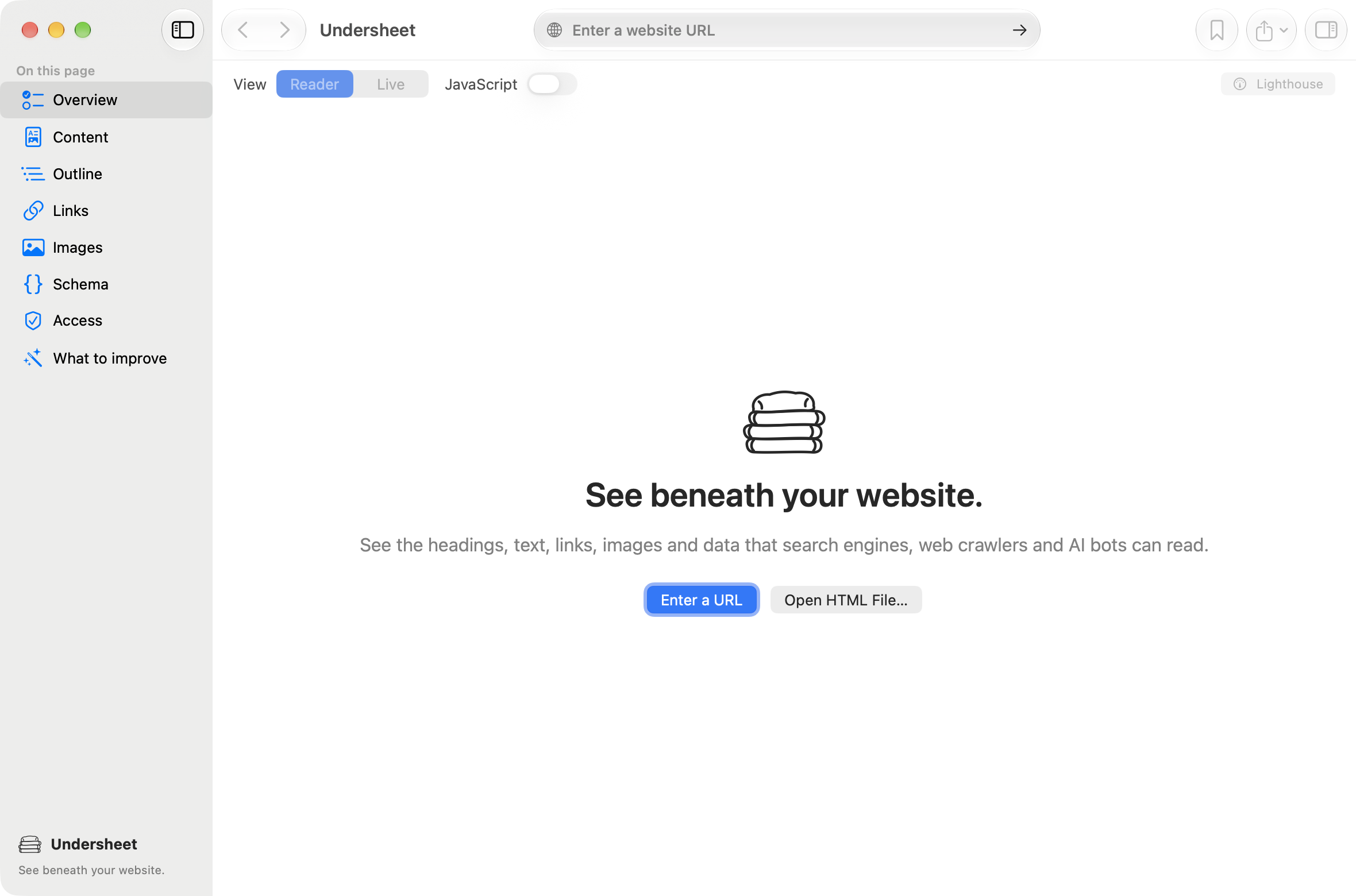
I’ve built it to serve my needs, and if it should do other things you would like it do to, let me know.